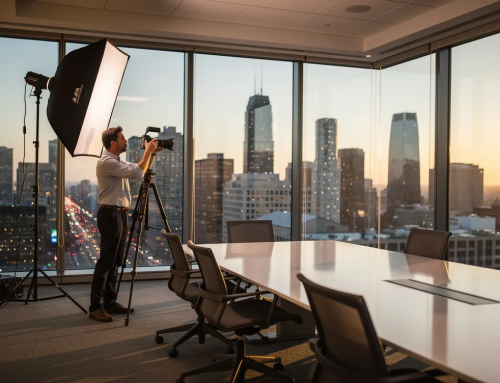
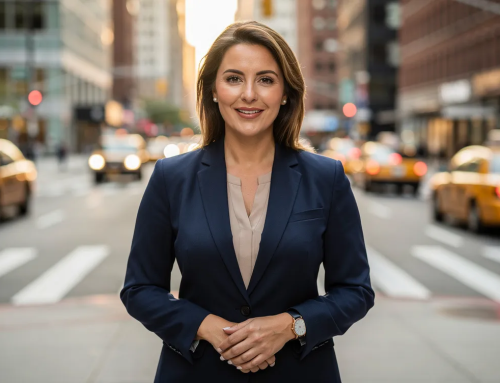
If your nonprofit’s leadership page features a mix of cropped vacation photos, outdated LinkedIn thumbnails, and one person who never submitted an image at all, you’re not alone. But that patchwork sends a message to every donor, funder, and partner who visits your site. This guide walks through everything you need to plan, execute, and maintain a consistent library of board member headshots that build trust and advance your organization’s goals.
Key Takeaways
- Professional headshots enhance organizational credibility and trust, directly influencing how donors, regulators, and corporate partners perceive your nonprofit before they ever attend a meeting or write a check.
- Consistent, current portraits of board members are now an expectation on nonprofit websites, annual reports, and LinkedIn profiles as of 2026.
- High-quality headshots can increase donor likelihood by 50%, making this one of the highest-return investments in your communications toolkit.
- A single, well-organized headshot session can update an entire board’s images for the next 3–5 years of print and digital communications.
- The same headshots can be repurposed across board meetings decks, photo board print displays at galas, digital profiles, and fundraising materials.
Why Board Member Headshots Matter in 2026
The post-pandemic shift to hybrid board meetings, virtual donor pitches, and Zoom-first introductions changed how leadership visibility works. Nonprofit board members are now routinely searched on Google and LinkedIn by major donors, institutional funders, and corporate partners before any serious engagement. High-quality professional photos humanize leadership in a way that names and titles on a page simply cannot.
Professional headshots are critical for stakeholder confidence. Research from Points of Light shows that 83% of supporters agree that nonprofits must earn their trust before receiving financial support. Professional headshots signal operational discipline and communicate that your organization takes governance seriously. Meanwhile, GuideStar/Candid data found that nonprofits with complete transparency profiles, including leadership details and photos, receive on average 53% more contributed income. Professional headshots can lead to increased donations for nonprofits that invest in them thoughtfully.
These images appear everywhere: board biography pages, Form 990 overview PDFs, pitch decks, press releases, speaking engagements, and internal stakeholder briefings. When photos across these touchpoints are inconsistent or low-quality, they undermine otherwise strong messaging and data. A lack of professional imagery creates a gap between what your content says and what your visuals communicate.
What Makes a Strong Board Member Headshot?
A strong board member headshot is not about glamour or artistic experimentation. Its purpose is to convey competence, trustworthiness, and warmth. Quality portraits communicate leadership values before a single word of a bio is read, and board members’ headshots improve perceptions of competence and approachability across every channel where they appear.
Here are the essentials:
- Clear, sharp focus on the eyes with flattering but honest lighting
- Clean, neutral background that suits the brand’s color palette
- Cropping from mid-chest to just above the head so the face dominates even in small digital uses like Zoom tiles or conference programs
- Confident, relaxed expressions rather than overly serious or playful looks
- Subtle retouching that removes temporary blemishes or reduces under-eye shadows without changing facial structure or age
- Consistent color temperature and exposure across all individuals in the group
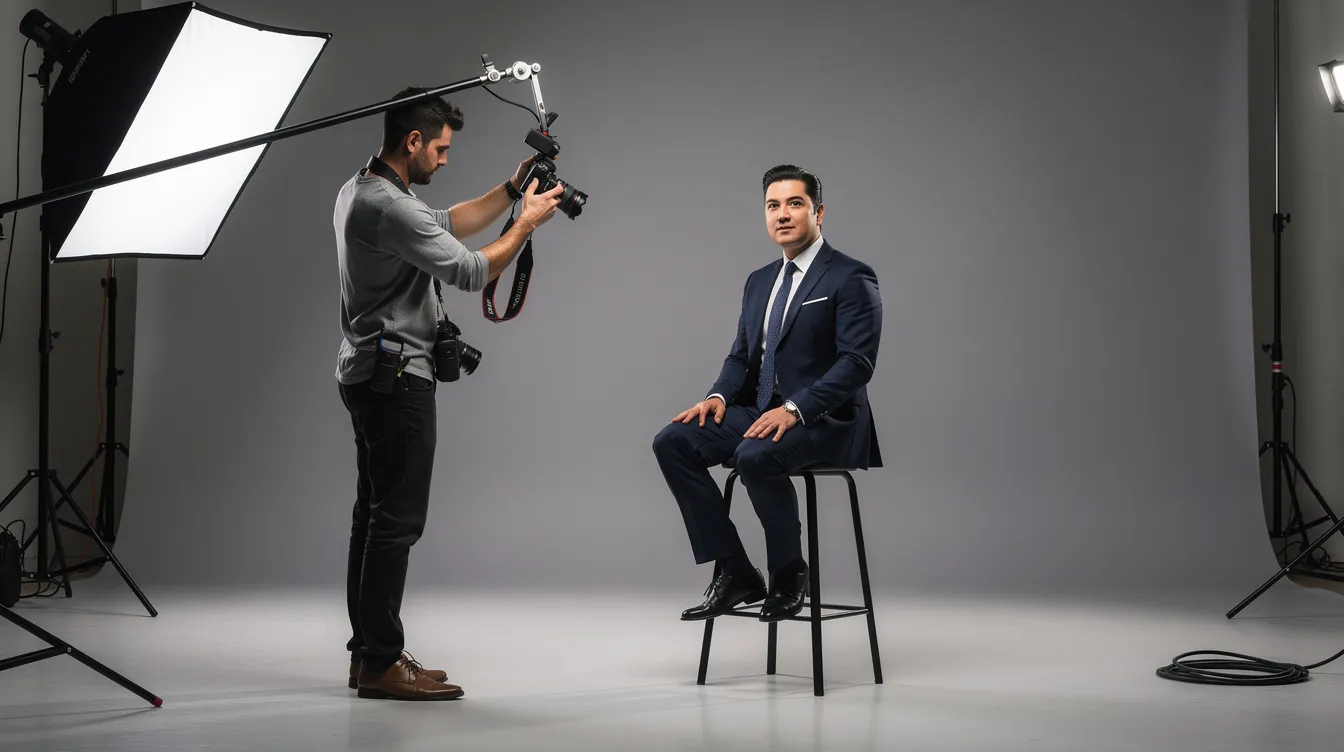
Photographers typically use focal lengths between 85mm and 105mm on full-frame cameras to create flattering compression without distortion. Soft, directional lighting from slightly above and to the side, paired with a fill light, produces the dimensional yet approachable look that works for fiduciary leaders.
Aligning Headshots with Your Nonprofit’s Brand
Professional headshots enhance brand identity when the visual choices, from background to wardrobe, reflect the organization’s mission and audience. A Washington, DC public policy nonprofit might choose a neutral gray background to present authority and seriousness, while a conservation nonprofit might select a soft green or natural texture to echo its work.
Wardrobe guidance matters too. Recommend solid colors, limited patterns, and avoiding bright white shirts against white backgrounds. For global boards, ensure cultural appropriateness by welcoming religious dress, cultural attire, and diverse hairstyles within a cohesive visual system.
Unified headshot galleries prevent a fragmented appearance. Create a brief one-page style guide covering background color, level of formality, typical crop, and any logo placement rules. Share this with future photographers and new board recruits so every image added over time matches the established look.
Planning a Board Headshot Session
Nonprofit boards must secure adequate resources for operations, and a well-planned headshot session is one of the most efficient uses of a modest communications budget. Here is how to prepare:
- Schedule around a regular in-person board meeting or retreat to capture most members in one day. Lock in the date at least 8–10 weeks in advance.
- Designate a single internal coordinator, such as a communications director or executive assistant, to manage signups, reminders, and on-site logistics.
- Build a timed schedule in 10–15 minute slots per person, with buffer time for late arrivals and last-minute touch-ups.
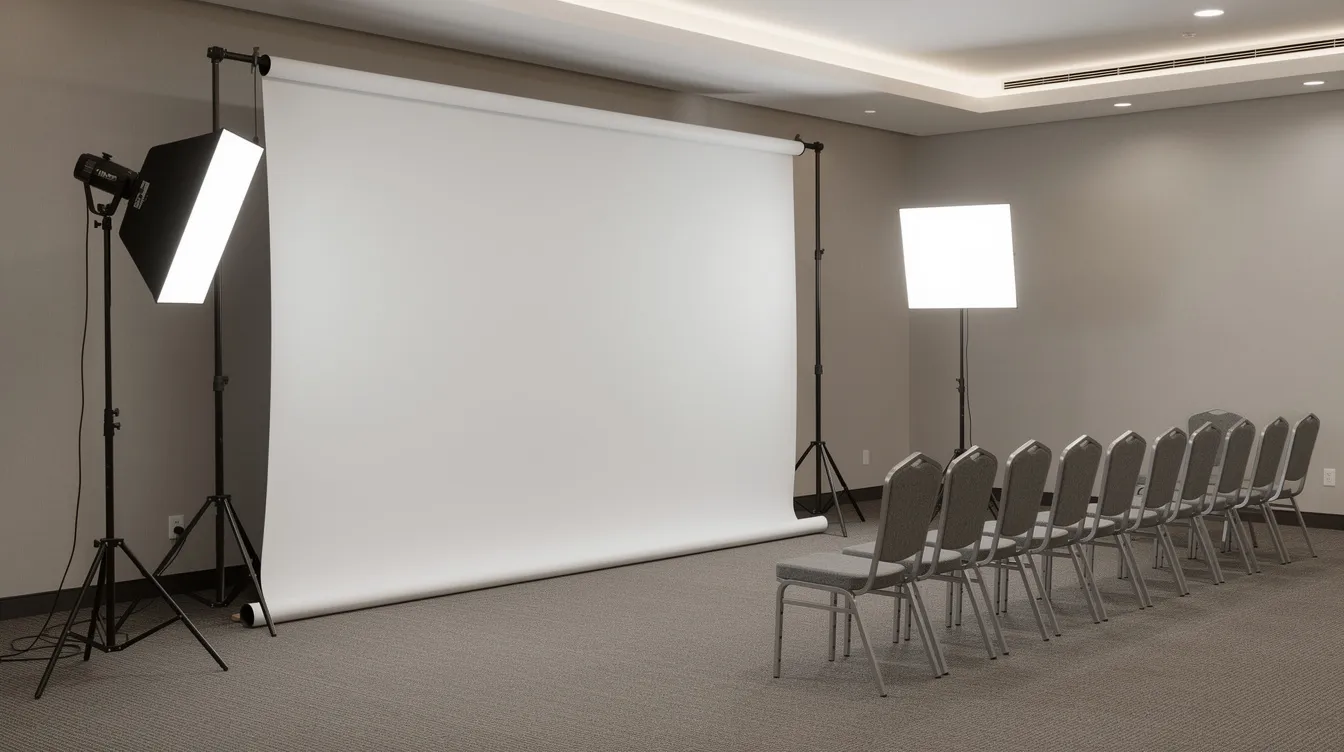
- Set up in one location near the board meeting room with consistent lighting and a tested background that matches your visual identity.
- Send board members a short checklist in advance covering wardrobe recommendations, grooming tips, and what to bring (glasses, alternate jacket, grooming products).
On-Site Best Practices for Nonprofit Board Members
Making each board member comfortable on photo day is the difference between stiff, reluctant portraits and images your team will proudly use for years.
Set up a small staging area with a mirror, lint roller, tissues, and basic hair products so individuals can handle minor appearance issues before stepping in front of the camera. Assign a staff member or volunteer to greet each person, confirm their name spelling and preferred title, and guide them to the photographer.
The photographer should provide quick coaching on posture, head angle, and expression. A slight turn of the shoulders, about 10 to 20 degrees off-center, almost always looks more natural than a straight-on pose. Take several variations per person: with and without jacket, slight turn left and right. Review one or two frames on-screen with each member so they feel involved and reassured about the final image.
Using Headshots Across Digital Channels
Once you have a consistent set of portraits, extend their reach across every relevant digital touchpoint.
- Website: Board of directors page, leadership bios, about section
- Reports: Annual impact reports (PDF), fundraising decks, donor briefings
- Social media: LinkedIn company page announcements, Twitter and Facebook introductions, Instagram Stories during board retreats or major votes
- Internal tools: Microsoft Teams, Slack, and board portal profiles so staff and board members can quickly recognize each other in hybrid organizations
For web use, create optimized versions at roughly 1200 pixels on the long edge, compressed for fast loading, in sRGB color space. Deliver square 1:1 crops for profile photos and vertical 4:5 crops for featured placements. Store final headshots in a central, access-controlled digital library labeled with full names, roles, and dates, for example “Jane-Doe_Board-Treasurer_Headshot_2026.jpg.”
Headshots in Printed Materials and Photo Board Prints
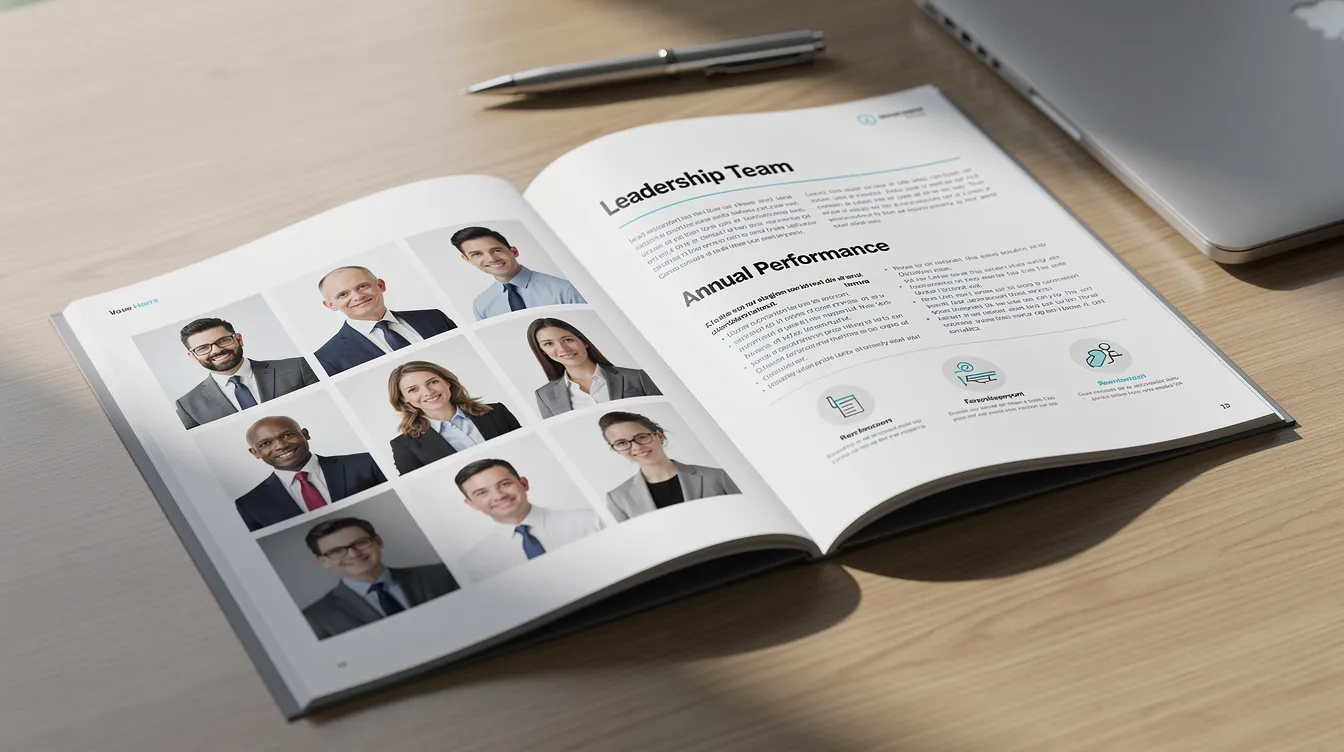
Board member portraits are essential for high-visibility print collateral. They appear in printed annual reports, donor packets, capital campaign brochures, and conference programs, typically next to biographies and governance statements.
A photo board print display, made from rigid, lightweight construction hardfoam boards, serves as a powerful visual at galas, lobby installations, or board meetings. Consider grouping board member headshots by committee or tenure on a large-format photo board print to communicate governance structure at public events.
For sharp, accurate results, provide your printer with high-resolution files at 300 dpi at final print size. Confirm whether the vendor requires sRGB or CMYK color profiles. Coordinate with designers early so cropping, caption space, and layout are planned before the shoot, not after.
Governance, Transparency, and Visual Trust
Leadership photos play a crucial role in governance transparency. The National Council of Nonprofits emphasizes that boards are responsible for accountability and oversight. Board members are responsible for ensuring legal and ethical integrity, and boards should monitor and strengthen programs consistent with the mission. When those directors are visible, with current photos and clear roles on a public website, the organization’s success in earning trust increases measurably.
Consistent, professional photography supports annual governance statements, conflict-of-interest disclosures, and diversity reporting by humanizing names on paper. Board members must support and evaluate the chief executive regularly, and when the public can see who those individuals are, confidence in oversight grows. Transparency checklists from organizations like Lattia now recommend listing board members with names, titles, and photos as a baseline expectation for nonprofit organizations seeking donor support.
Maintaining and Updating Board Headshots Over Time
A standard refresh cadence of every 3–5 years works for most existing board members. Update sooner if someone’s appearance changes significantly or they move into a new leadership position such as chair or treasurer.
- Build photo updates into the onboarding process for new board members, ideally within their first 60 days. Each board must articulate prerequisites for new member candidates, and a professional headshot should be part of that onboarding checklist.
- Track the date of each headshot and set calendar reminders for scheduled updates, just as you do for board term expirations and evaluations.
- Establish a simple internal policy requiring that all public-facing leadership photos be taken by a professional photographer and approved through communications.
- Archive old headshots for historical timelines, anniversary publications, or documentation of board evolution. Reviews collected over time will show which image styles resonated most with supporters.
Working with a Professional Photographer
Hiring a specialist in professional headshots rather than relying on ad hoc internal photography yields dramatically better results. A dedicated headshot photographer knows how to work efficiently with a group of 8–20 individuals in a shared session and deliver a consistent look.
When selecting a photographer, look for experience with executive and board portraits, a portfolio showing natural-looking results with consistent lighting and backgrounds, and the ability to handle multi-person sessions without rushing. Discuss specific shot lists in advance: individual board members, a full board group image, committee photos, and possibly candid shots.
Agree in writing on image licensing, delivery format, turnaround time, and retouching limits. Ask the photographer to provide a small style guide at the end, including lighting setup notes and crop templates, so future sessions can match even if another photographer is used later.
Integrating Headshots into Broader Communications Strategy
Treat board member headshots as core brand assets, on the same line as logos, color palettes, and typography. Organizations with professional headshots appear more committed to their mission, and that perception compounds over time when the same portraits appear consistently across slide decks, one-pagers, sponsorship proposals, and media kits.
Pair headshots with short, mission-focused quotes from each board member in digital campaigns and printed materials to deepen emotional connection with your community. For nonprofits running multi-year campaigns, such as a 2024–2027 capital effort, consistent leadership photos tell a continuous story of accountable stewardship that helps donors and partners learn who is behind the work.
FAQ
These questions address the practical concerns that nonprofit staff and board members most often raise about headshot logistics, privacy, and usage.
How often should our nonprofit update board member headshots?
A 3–5 year refresh cycle is typical. Update earlier if someone takes on a new officer position, undergoes a significant appearance change, or if your organization launches a major rebranding or new website. Syncing updates with board term renewals keeps the process efficient. Interim remote headshots can serve as temporary solutions during years without in-person meetings but should be replaced with studio-quality portraits when opportunities arise.
What if a board member is uncomfortable being photographed or publicly listed?
Discuss concerns privately and explain how headshots support transparency and donor confidence. Compromise options include limiting photo use to internal documents, choosing a more neutral pose, or excluding specific personal details while still providing a professional image. Some regulatory or funding environments require at least names and roles to be public, so your communications policy should balance individual privacy with governance expectations.
Do we need both individual headshots and a group photo of the full board?
Individual headshots are required for bios and digital profiles. A formal group photo is valuable for annual reports, board meetings presentations, and milestone announcements. Schedule a few extra minutes on photo day for the full board image and, if possible, smaller committee or officer photos. Note that group photos date more quickly when membership changes, so expect to replace them more often than individual portraits.
Can we use remote or smartphone photos instead of hiring a professional?
Smartphone photos can work as temporary solutions for remote nonprofit board members or quick announcements. For long-term, high-visibility uses like your website, major campaigns, or large photo board print displays with thick mounting, professional headshots deliver far more consistent and credible results. If temporary images are unavoidable, provide simple guidelines: neutral background, indirect daylight, lightweight phone tripod, and stable framing.
How should we store and organize our board member headshots?
Use a central, access-controlled folder on your cloud platform with clear file naming conventions such as “LastName_FirstName_BoardRole_YYYY.jpg.” Maintain a simple spreadsheet linking each image to the board member’s term dates, committees served, and consent preferences for various media. Regular backups and version control prevent confusion when individuals rotate off the board or return in a new capacity. This shared order of files ensures anyone on the team can access the right image quickly.